In several of the B1UP configurations you have the option to make configuration user-specific:
Below shows the Function button configuration as example but they all work basically the same.
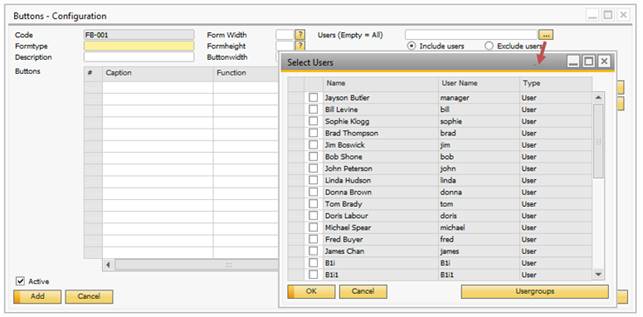
The Select Users can be accessed by either right-clicking the users-field or pressing the “…” button. The window presented will display all users in the currently logged in database + any user groups you might have created. By choose users you can select which users to include/exclude for the configuration (Described in more detail in each configuration section)