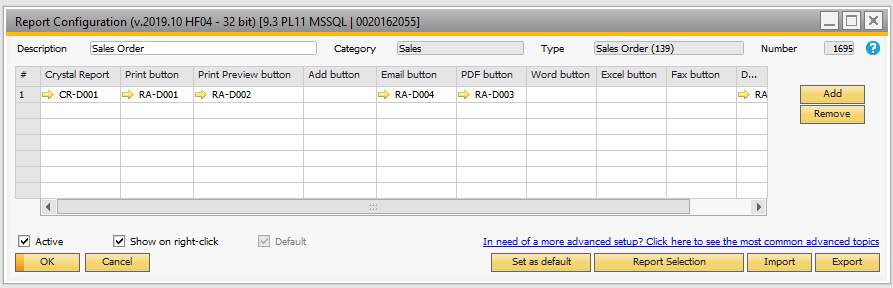
The main configuration is what binds the report-definitions and the report-actions together and where you specify what windows should use B1 Print and Delivery.
Field |
Description |
||||||||||||||||||||||||||
|---|---|---|---|---|---|---|---|---|---|---|---|---|---|---|---|---|---|---|---|---|---|---|---|---|---|---|---|
Description |
Here you can describe the configuration. Example “Default A/R Invoice“ or “Sales orders for VIP customers” |
||||||||||||||||||||||||||
Category |
Here you choose the category in where the different types of windows are located. As default the following categories exist:
|
||||||||||||||||||||||||||
Type |
Once you have chosen a category all types of windows under the selected category is shown here and you need to choose the type that suits your configuration. |
||||||||||||||||||||||||||
Configuration lines |
The configurations are where you choose the Crystal report definition to use and the actions to apply to it. Most of the time you will only have one line (one report) but you have the option to have more than one report being used (Example: if you have an A/R Invoice + a specification to the invoice)
|
||||||||||||||||||||||||||
Active |
The checkbox here indicate if the configuration is active or not. As long as a layout is inactive it will not be used at runtime. |
||||||||||||||||||||||||||
Show on right-click |
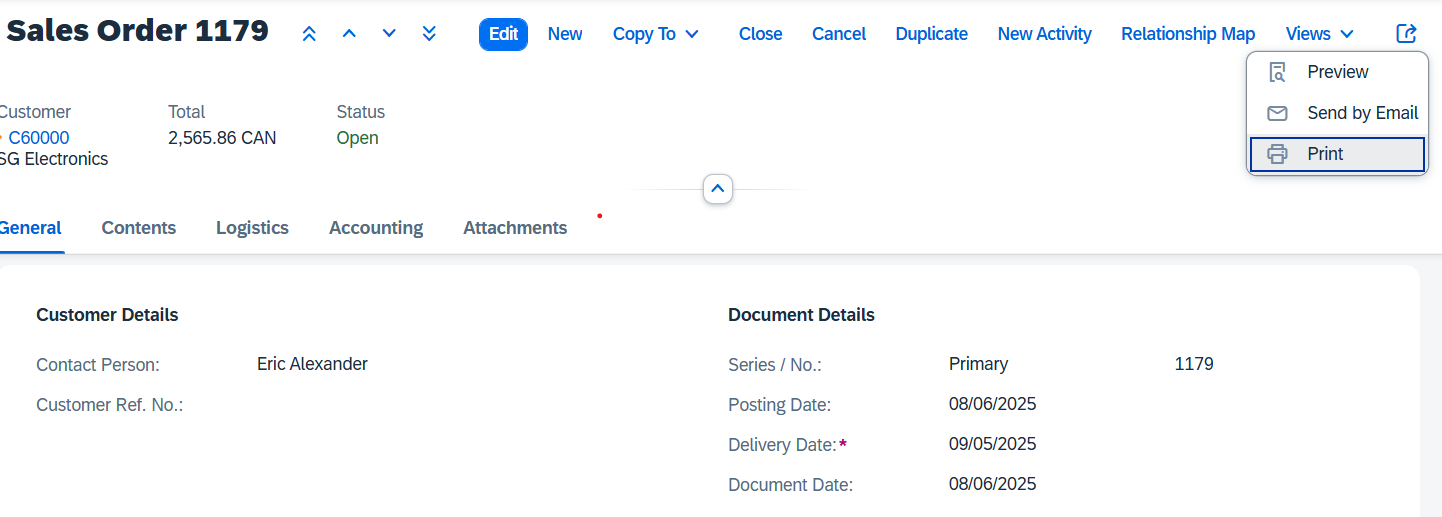
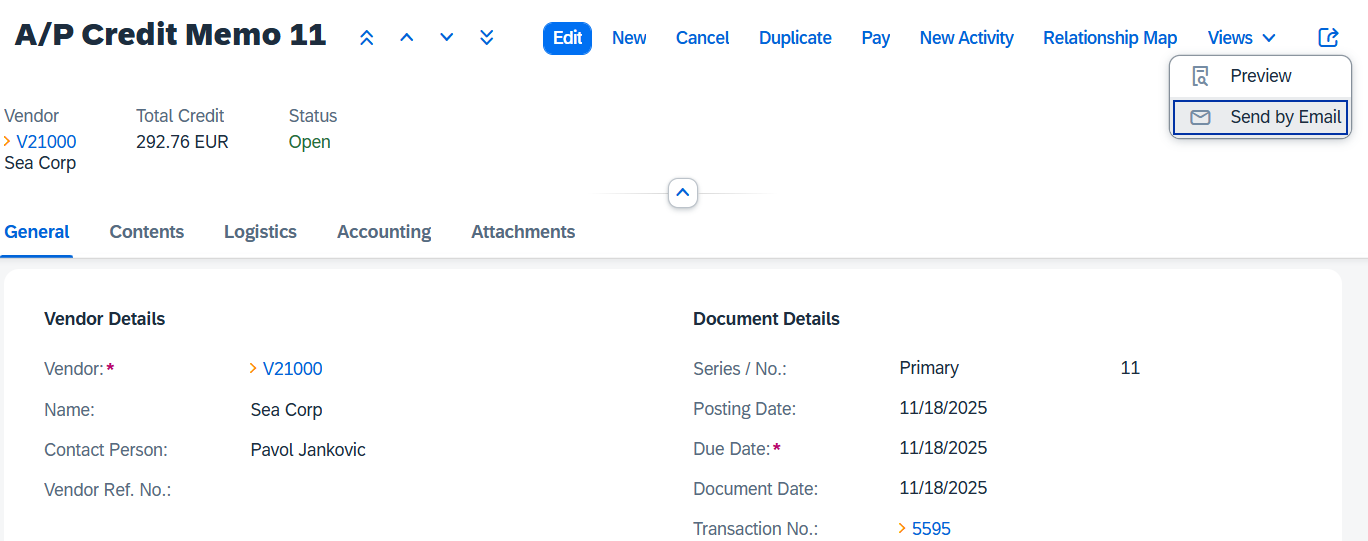
The checkbox indicate if the configuration should be shown as an option when right-click is used on windows. Example the A/R Invoice window:
|
||||||||||||||||||||||||||
Default / Set as default |
Each combination of category/type can have a default configuration if you create multiple configurations for the same type. At runtime, the system will if having multiple configurations to choose from and the business partners is not specifically set to one configuration, choose the default layout. |
||||||||||||||||||||||||||
Select Business partners |
From this button you can make selection of multiple configuration Business partner specific (see more below). |
||||||||||||||||||||||||||
Import |
You have the option to Import exported Report configurations from XML |
||||||||||||||||||||||||||
Export |
In OK-Mode you have the option to export the current or multiple Report-definitions to XML. In add-mode you have the option to export multiple Report-definitions from XML |










Advanced Feature: Generate GUID for B1P&D Macro Command
See video of this feature: https://youtu.be/s3BngxLztbc